
IntraLignes is the internal portal of Air France that centralizes the professional tools for its employees: flight schedules, HR documents, business software, and official communications. Accessing this portal relies on an authentication system that distinguishes between two access contexts, depending on whether the employee connects from the company’s network or from outside. Understanding this technical distinction avoids most of the blocks encountered when connecting to the account.
Internal access and external access to the IntraLignes portal: two distinct paths
The IntraLignes portal does not function the same way depending on where the employee is located. This difference, rarely detailed in standard guides, is nevertheless the primary source of confusion.
In internal connection (at the airport, in an agency, or at Air France headquarters), the session is often recognized automatically by the company’s network. The number of visible steps for the employee is reduced, sometimes to a single click after opening the browser.
In external connection (home, hotel, mobile network), the process is lengthened. A company VPN, referred to as iPN for certain flight crew profiles, is often required in addition to the username and password. Without this network layer, the portal may deny access or display an error page that does not explicitly mention the VPN as the cause of the block.
For employees attempting to access intralignes Air France from home, checking that the VPN is active before any connection attempt saves considerable time.
PingID two-factor authentication: operation and account setup
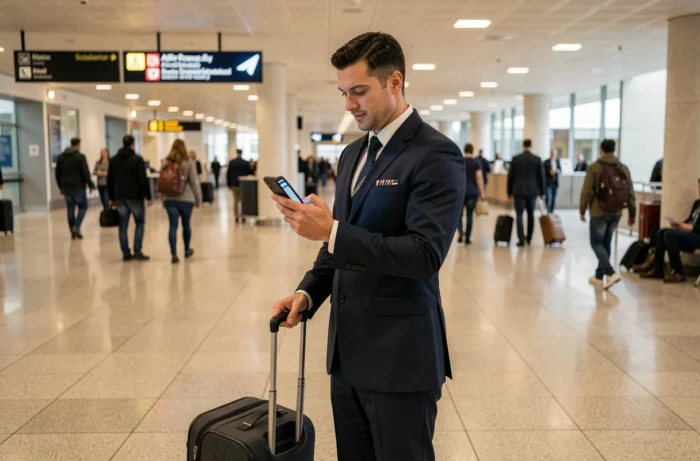
Since 2024, access to Air France’s internal portals (IntraLignes, IPN, GPNet, and certain business tools) relies on a SSO architecture combined with PingID two-factor authentication. The connection is no longer limited to a username/password pair.
What PingID changes concretely
After entering their HABILE credentials on the login page, the employee receives a notification on the PingID app installed on their phone. They must validate this notification to complete the access. Without validation, the session expires and the portal remains inaccessible.
This mechanism applies to both external and internal access in certain cases, particularly when the device used is not listed in the company’s network directory.
Setting up PingID for the first time
- Install the PingID app from the phone’s store (iOS or Android) and link it to their HABILE username via the QR code provided by Air France’s IT department
- Ensure that push notifications are enabled on the phone, as a notification block prevents the receipt of the validation request
- In case of changing phones, re-link the new device before attempting a connection, or risk temporarily losing access to the portal
The majority of tickets opened with Air France’s IT support concern issues related to PingID rather than the password itself. A misconfigured PingID blocks access even with a correct password.
HABILE username and password: managing frequent blocks
The username used to connect to IntraLignes is the HABILE account, unique to each Air France employee. It generally consists of the employee number or a format predefined by the IT department.
The HABILE password is subject to a periodic renewal policy. An expired password does not always generate an explicit error message: the page may simply refuse the connection or redirect to an authentication loop.
Resetting an expired or forgotten password
The reset procedure goes through the dedicated HABILE portal or direct contact with IT support. The reset link is sent to the Air France professional email address, which assumes access through another channel.
- If the password is simply expired, the portal sometimes offers a renewal form immediately after the failed connection attempt
- If the account is locked after several unsuccessful attempts, only IT support can manually unlock it
- Employees on secondment or long-term leave may sometimes lose their HABILE access without prior notification, requiring reactivation with HR
A locked HABILE account cannot be unlocked via PingID: the two systems are independent, even though they operate in the same connection sequence.
IntraLignes mobile connection: specific constraints
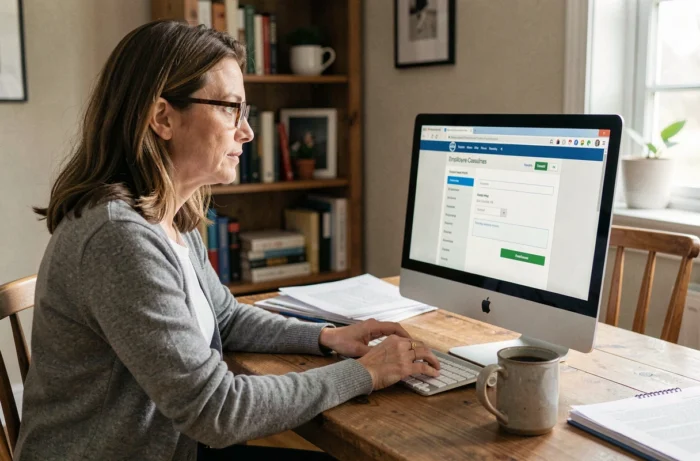
The IntraLignes portal was designed for use on fixed workstations. Access from a smartphone or tablet works, but with limitations that flight crew regularly encounter while traveling.
The mobile browser must accept session cookies and not block pop-ups, as the PingID validation window may open in a separate tab. Browsers integrated into applications (WebView in Gmail or Outlook) often cause problems: opening the link directly in Safari or Chrome avoids this type of block.
The VPN connection on mobile adds an extra step. The iPN app or the VPN profile configured by the company must be activated before opening the browser. Launching the browser and then the VPN in the reverse order frequently causes a session error.
For flight crew on layover abroad, the quality of the local network directly influences the delay in receiving the PingID notification. A slow network may cause the validation request to expire before it arrives on the phone.
The IntraLignes portal remains a functional tool as long as the technical sequence is mastered: active VPN, standard browser, then HABILE username followed by PingID validation. Each element of this chain can block access independently of the others, which explains why the same employee may connect without difficulty one day and be blocked the next day without having changed their credentials.